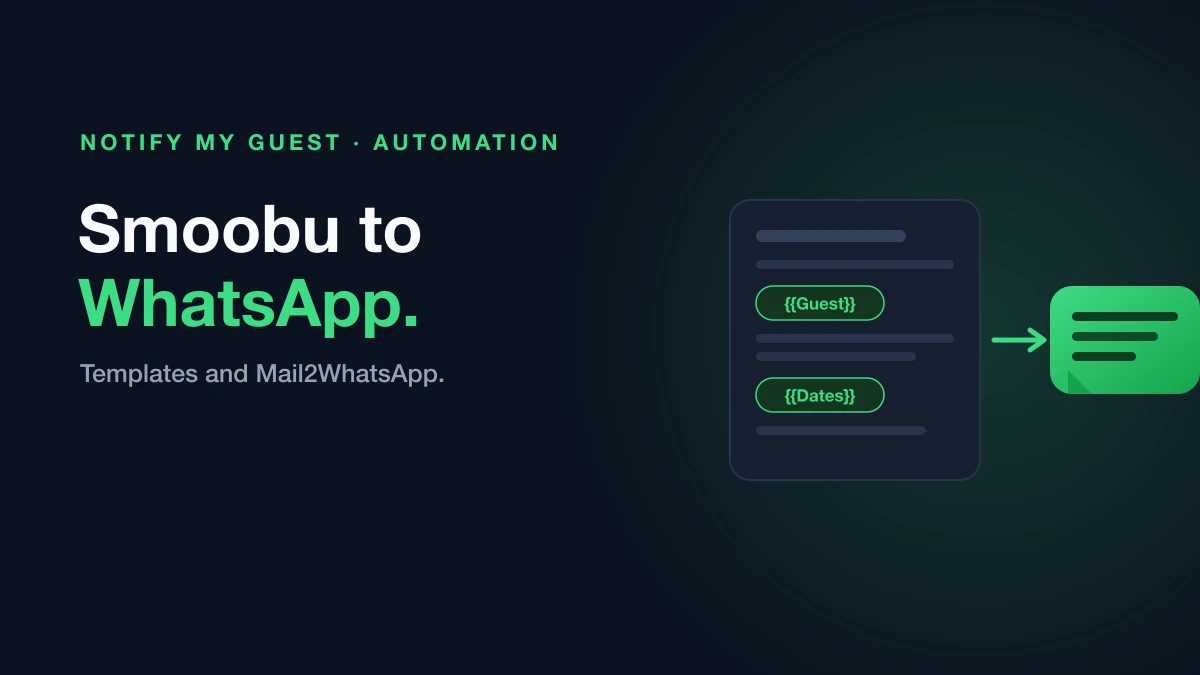
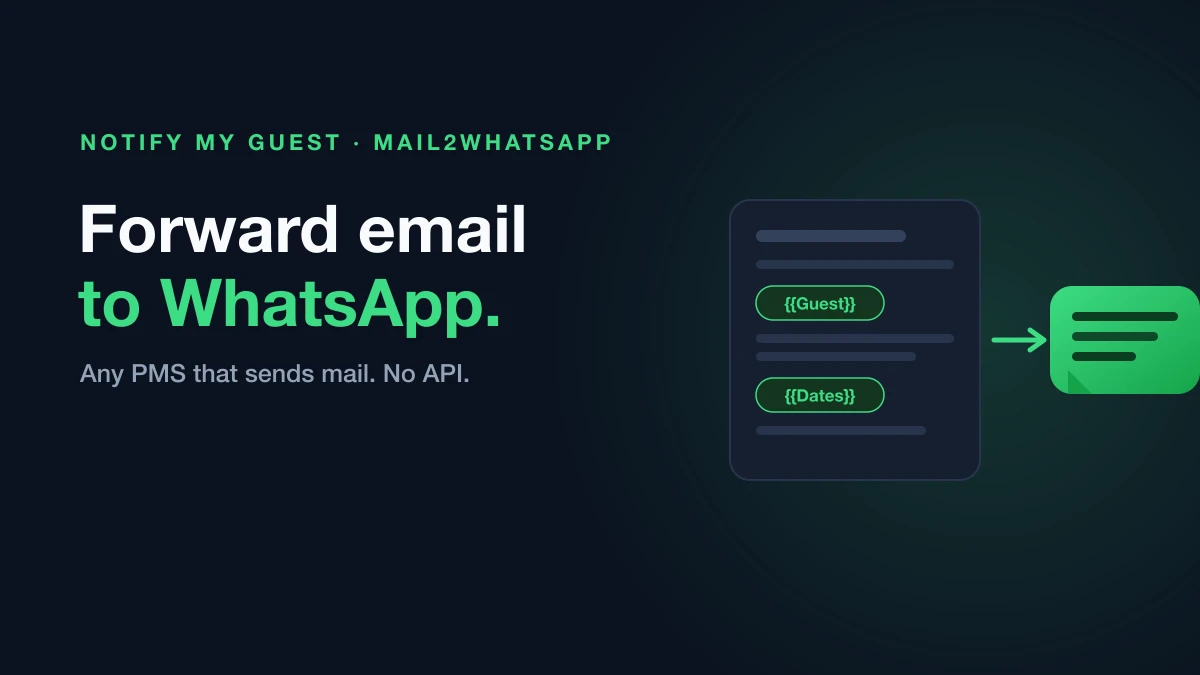
Your PMS already sends you an email for everything. New booking, check-in reminder, payment received, cancellation. Those emails are full of information your guest would benefit from, and they are sitting in your inbox instead of on the guest’s phone.
The gap is not information, it is delivery. And you can close it without an integration, because email is the one interface every booking platform already has.
The idea in one line
If your system can send an email, that email can become a WhatsApp message.
You do not need your PMS to support WhatsApp. You do not need API access, a developer, or a Zapier chain that breaks when a provider changes a field name. You need somewhere to forward the email to.
How the setup works
The mechanism is deliberately simple, and it is worth understanding before you set it up because it explains what is possible.
You get an inbox address. Notify My Guest gives you a unique email address that belongs to your account.
The subject line says who. You put the guest’s WhatsApp number in the subject, in international format. That is what routes the message.
The body says what. Whatever is in the email body is what the guest receives on WhatsApp.
It is sent from your number. The guest sees a message from you, in a thread they can reply to, not from an unfamiliar shortcode.
So an email with the subject +34 612 345 678 and a body reading “Hi Sofia, your check-in details: keybox code 4827, check-in from 3pm. Safe travels!” arrives on Sofia’s WhatsApp as exactly that message.
Making it automatic
Sending one email by hand is useful. The real gain is when you stop touching it.
There are two common patterns, and most hosts end up running both.
A forwarding rule for recurring notifications. If your PMS reliably emails you at a fixed point, for example a check-in reminder the day before arrival, create a rule in Gmail, Outlook or your PMS notification settings that forwards that email type to your Notify My Guest address. Set it up once and every future booking is covered.
Manual forwards for the one-offs. Late arrival, a broken lift, a change of parking instructions. You write the email as you normally would, put the guest’s number in the subject, and send. It is faster than opening the Airbnb app and it lands somewhere the guest will actually see it.
A practical note on the first pattern: your PMS notification email needs the guest’s number available for the subject line, so check what your provider includes before you rely on it. Where a provider does not expose the number in a usable way, the manual pattern still works, and for Smoobu specifically the booking welcome is fully automated without any forwarding at all.
Why bother, when the PMS already messages guests
Because the guest does not read those messages.
This is the most consistent complaint on the host forums, and it is not about any particular platform. Guests do not open the Airbnb app after booking, frequently have notifications switched off, and skim past email. Hosts send careful check-in instructions through the platform and still get a call at the door.
Measured WhatsApp read rates run around 60 to 70%, roughly three times a typical email open rate. More importantly, guests reply. A WhatsApp thread is a conversation they already have open all day, not an app they have to remember to check.
What hosts actually send this way
The pattern that works is not more messages, it is the right ones at the right moment.
- Check-in details and door codes, the day before arrival
- Late arrival instructions, sent the moment plans change
- Parking, wifi and appliance questions answered once, in writing, in a thread the guest can scroll back through
- Mid-stay check-ins on longer bookings
- Checkout reminders and review requests
Because each one is just an email, you can compose them in whatever tool you already write in, including your PMS’s own template system.
Where the limits are
Two things worth knowing before you build a workflow on this.
Your PMS needs to include the guest’s phone number somewhere you can get at it for the subject line. Most do, but not all, and some only expose a masked relay address rather than a real number.
And if a guest is genuinely not on WhatsApp, no forwarding trick changes that. You are told when that happens, so you can fall back to SMS or email rather than assuming the message landed.
Getting started
Forward one email and watch it arrive. That is the fastest way to see whether the pattern fits how you work, and it takes about a minute.
Start your 14-day free trial, forward your first booking email, and see it land on the guest’s WhatsApp. No credit card required.