What Are Gap Nights?
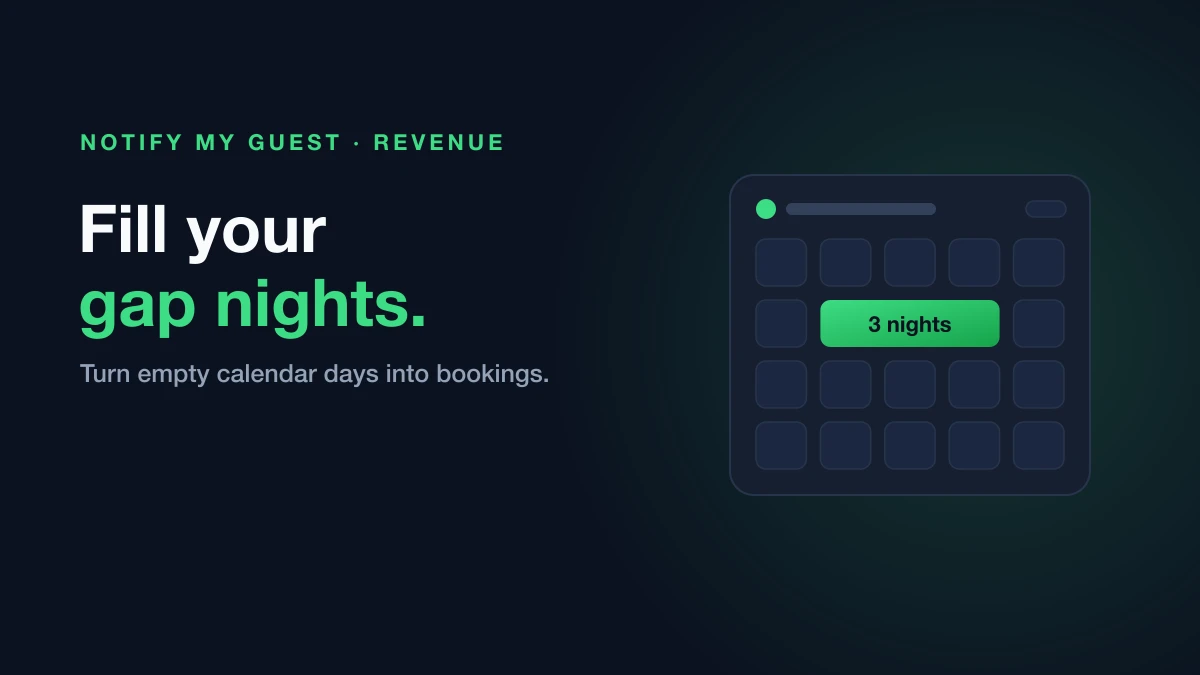
Gap nights are those short 1-3 night periods that appear between your confirmed bookings. They occur when one guest checks out and the next guest doesn’t arrive for a few days, leaving a small window that’s often too short to sell due to minimum stay requirements.
For example, if Guest A checks out on Monday and Guest B arrives on Thursday, you have a 3-night gap (Monday, Tuesday, Wednesday) that might go unsold—especially if your property has a 4-night minimum stay requirement.
Why Gap Nights Detection Is a Game-Changer
Maximize Occupancy
Every empty night is lost revenue. Gap nights detection automatically identifies these opportunities so you can take action—whether that’s adjusting your minimum stay, offering a discount, or reaching out to previous guests.
Automated Monitoring
Instead of manually scanning your calendar, our system continuously monitors your bookings and alerts you when sellable gaps appear. You’ll never miss an opportunity again.
Smart Filtering
Not all gaps are worth pursuing. Our algorithm considers your minimum stay requirements to only surface gaps that are actually sellable, saving you time on impossible-to-fill periods.
Guest Outreach Made Easy
Each gap opportunity includes contact details for the guests before and after, making it simple to reach out and ask if they’d like to extend their stay.
How to Toggle Gap Notifications On or Off
From the Gaps Page
-
Navigate to Dashboard → Gaps
-
Find the Auto-notify toggle in the top-right corner
-
Switch it on (green) to receive automatic notifications, or off to disable them
From My Account
-
Go to My Account
-
Scroll to the Gap Notifications card
-
Toggle the switch to enable or disable automatic alerts
Note: Even with auto-notifications disabled, you can still manually review and act on gap opportunities from your Gaps dashboard.
What to Expect
Once enabled, here’s what happens:
-
Automatic Detection: Our system scans your bookings daily, looking for gaps of 1-3 nights
-
Webhook Notifications: When a new gap is detected, a webhook is triggered to your configured endpoint
-
Dashboard Updates: All detected gaps appear in your Gaps dashboard with full details
-
Guest Information: Each gap shows the guests before and after, including their language preference for personalized outreach
-
Status Tracking: Mark gaps as “contacted,” “filled,” or “ignored” to keep track of your actions
Start turning those empty nights into bookings today!