Turnover day is where short-term rental operations either run like clockwork or fall apart. A guest checks out at 11am, another checks in at 3pm, and somewhere in between your cleaner needs the right address, the right time, and a clear go-ahead.
When that hand-off is manual, it works until it doesn’t. A booking shifts by a day and the cleaner never hears about it. A last-minute reservation slips through. You finish a stay with no idea whether the place is actually guest-ready. Notify My Guest replaces that scramble with a cleaning workflow that runs itself and keeps your cleaners in the loop on WhatsApp.
🧹 The hidden cost of coordinating cleaners by hand
Coordinating cleaners manually quietly eats your time and your peace of mind:
-
You re-type checkout dates and addresses for every single booking.
-
You chase confirmations to make sure your cleaner actually saw the message.
-
You have no proof a clean happened until the next guest complains.
-
When a booking moves or cancels, you have to remember to tell your cleaner yourself.
Every one of those steps is a chance to drop the ball on the first thing a guest notices: walking into a spotless place.
👥 Build your cleaning team once
Start by adding your cleaners to the Cleaning module. Each cleaner gets a name, a WhatsApp number, an optional hourly rate for your own reference, and private notes only you can see. They receive an email invite to set up their own login, so they get a clean view of their assignments without ever touching your account.
Then assign a default cleaner to each property. That single step is what makes everything afterward automatic.
⚙️ Tasks that create themselves
With your team in place, switch on auto-create. From then on, every time a booking syncs from your PMS, Notify My Guest creates a cleaning task for the checkout day and assigns it to that property’s default cleaner. No re-typing, no forgetting.
Prefer to stay hands-on? The Upcoming Checkouts view lists every booking with a checkout in your chosen date range, so you can create or adjust tasks yourself in a couple of clicks.
🔄 When a booking moves, the cleaning moves with it
This is the part manual coordination can never keep up with. Turn on auto-sync and your cleaning tasks stay tied to the bookings behind them:
-
When a booking’s dates change, the cleaning task moves to the new checkout date.
-
When a booking is canceled, its cleaning task is cleared away too.
-
Tasks you have already completed are left alone.
-
On a reschedule, your cleaner sees the new date in their portal with a prompt to acknowledge it, so a change never slips through.
You stop being the human relay between your calendar and your cleaner.
💬 Your cleaners get the task on WhatsApp
When a task is assigned, your cleaner gets a WhatsApp message from your own number, on the app they already check all day. It names the property, the date and checkout time, and a link to the job.
That link opens the full task in their own portal: the address, the next guest’s check-in, an estimated cleaning time, and any special instructions you added. From there they work through a simple flow, with Today, Upcoming, and Completed tabs and one tap to Confirm, Start, and Mark Complete, plus a running view of their tasks for the month.
📸 Proof every turnover got done
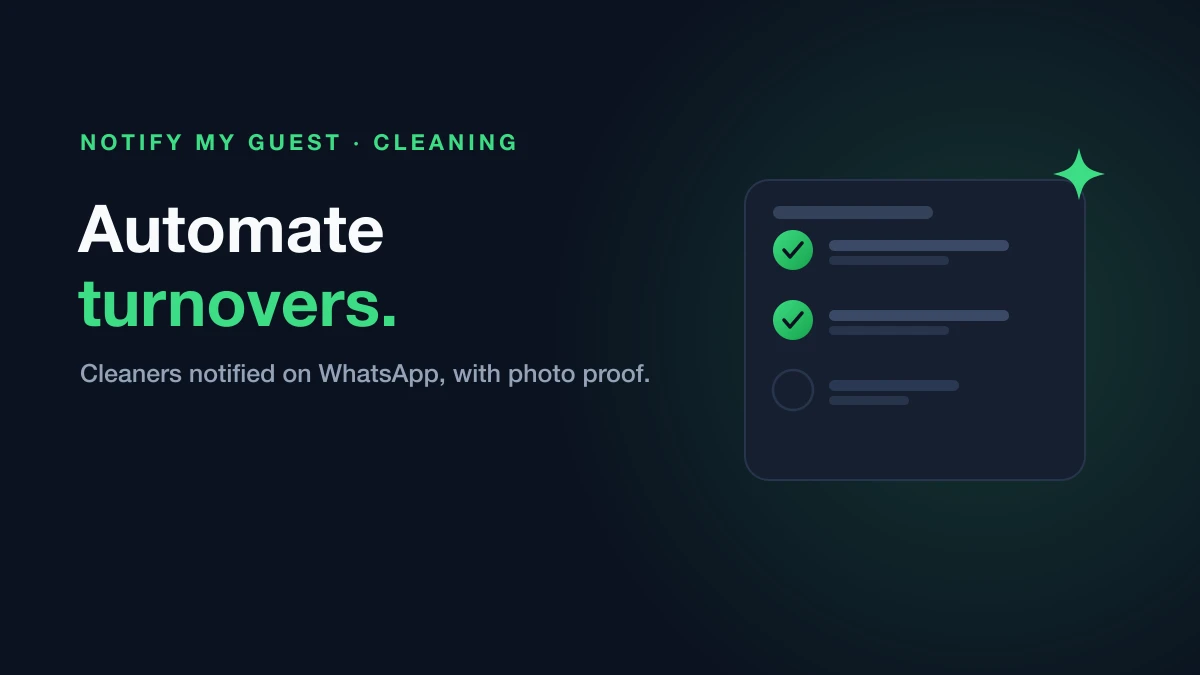
No more wondering. As they work, cleaners upload photos of the job, so you can see the place is guest-ready before the next arrival. Every task also keeps a full timeline, from notified to confirmed to started to completed, so you always know where things stand.
Once a clean is done, you can review the photos, rate it, and leave a quick comment to let your cleaner know how they did. Good work gets recognized, and standards stay high.
✨ From checkout to spotless, automatically
Put together, the Cleaning module turns turnover day from a manual relay into a system: bookings create the tasks, your cleaners get them on WhatsApp, photos prove the job is done, and changes take care of themselves. You get your time back, and your guests walk into a spotless place every time.
It pairs naturally with the rest of Notify My Guest, from your automated WhatsApp welcome to filling the gap nights between stays.
🚀 Try it free
Ready to take the busywork out of turnover day? Start your 14-day free trial, add your cleaners, and let every checkout schedule its own cleaning.
No credit card required.